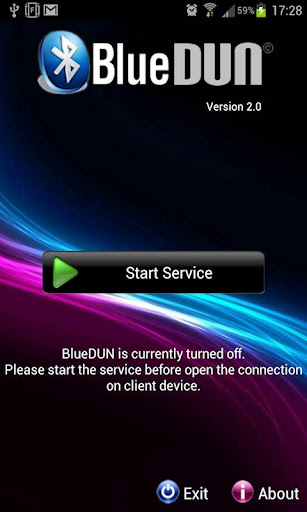
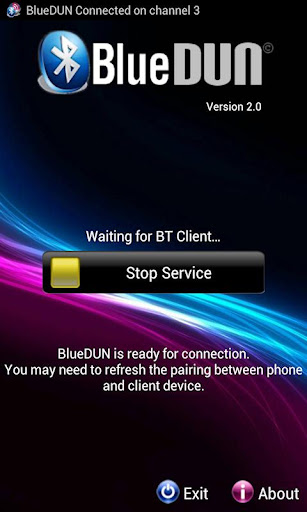
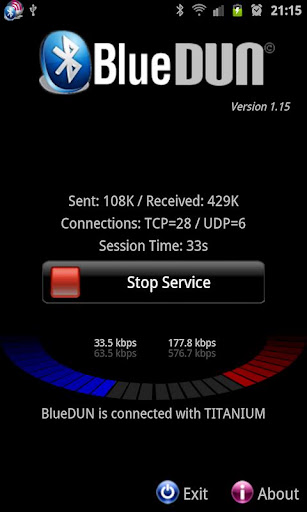
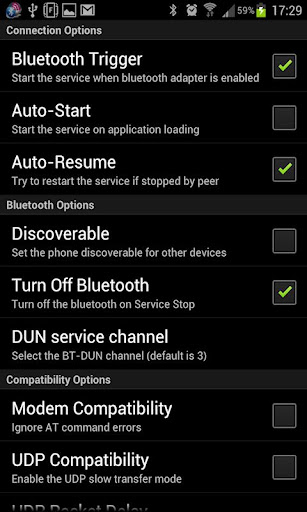
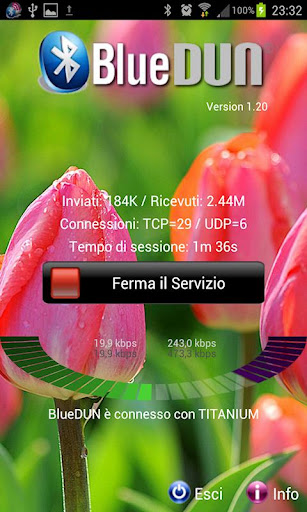
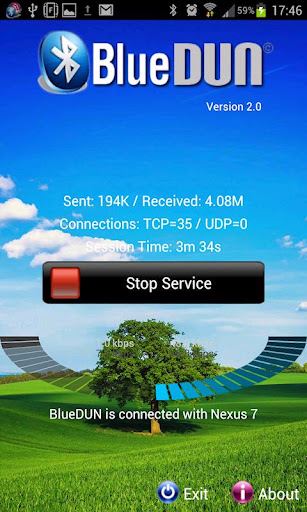
This program emulates the hardware modem on your Android phone !
BlueDUN play.google.com.blue_dun
It allows your phone to share wifi or mobile connection over the bluetooth channel with other devices like PCs,tablets or navigation systems. The bluetooth DUN (dial-up network) service is turned on, in order to enable the external device to access the Internet.
It supports both TCP and UDP protocols;
NO ROOTING NEEDED!!
Tested with Windows Xp/7 PCs and Mercedes Comand OnLine, Toyota Touch&Go, Tom Tom Rider navigation systems.
How to setup (only the first time):
Tested with Windows Xp/7 PCs and Mercedes Comand OnLine, Toyota Touch&Go, Tom Tom Rider navigation systems.
How to setup (only the first time):
- Remove the previous pairing between your devices
- Start the BlueDUN service, make the phone discoverable
- Create the new pairing
- Setup the DUN connection on the client device: don't care about phone number, account or dns because the app emulates only the modem behaviour but it sends/retrieves data to/from phone wifi/mobile connection!
- Solved issues related to the bluetooth socket: set the DUN channel number = 0 for Jelly Bean (auto-assigned)
- Extended compatibility to Android 4.2 / 4.2.1
- Added bluetooth Insecure Socket option
- If you set the channel number = 99, it assigns a free channel automatically.
- If you like this application please make a video and post it on youtube to show how it works to other users.
Required Android O/S : 2.1+
Screenshots :