Showing posts with label Tools. Show all posts

Sunday, February 10, 2013

ROM Toolbox Pro v5.5.6 APK


Huge new update with must have features !


ROM Toolbox Pro play.google.com.toolboxpro
ROM Toolbox is the MUST HAVE app for any rooted user. ROM Toolbox combines all the great root apps all tied up into one monster app with a beautiful and user-friendly interface.

Features:

ROM Manager
  • Install full ROMs and other zips from a growing list of ROMs 
  • Create, manage and restore nandroid backups 
  • Wipe data, cache, dalvik-cache, battery stats 
  • Install a ROM from your SD card 
App Manager
  • Batch backup & restore 
  • Automatically backup apps when they are installed 
  • Automatically delete backups when uninstalled (off by default) 
  • Send backups via gmail/email or dropbox 
  • Sort backups by already installed, same as installed, older versions, etc. 
  • Backup/restore app data 
  • Backup/restore Android Market link 
  • Task manager 
  • View memory usage 
  • Show/hide different processes 
  • Automated batch uninstaller 
  • E-mail your apps to friends 
  • Share with other applications which accept text (SMS, facebook, google reader, etc...) 
  • Move *any* user app to the SD card 
  • Freeze/Defrost system & user apps 
  • Market Doctor (Link *any* app to the Android Market) 
  • Break market links 
  • Clean up dalvik-cache 
  • Zipalign all apks 
  • Fix permissions on all apps 
  • Wipe data or cache for apps 
  • Force close apps 
Root File Browser
  • Access the whole of android's file system (including the elusive data folder!). 
  • Batch copy/paste, zip, tar, delete, move any file or folder 
  • Change file permissions and ownership 
  • View, edit and share files 
  • Add new files & folders in any directory 
Scripter
  • Create and run scripts as root 
  • Download & run new scripts from an ever-growing list 
Ad Blocker
  • Choose to block ads, porn, casino & risky sites 
  • Add new sites to the hosts file 
  • Use custom IP 
Configure Apps2SD
  • Select the default install location for apps 
Font Installer
  • Install custom fonts to your whole device from a list of over 150 
  • Set fonts as favorites and send them to friends 
Boot Animation Installer
  • Install custom boot animations from over 100+ 
  • Preview boot animations 
  • Backup & preview your current boot animation 
Battery Icon Changer
  • Change your battery icons in the status bar to a custom one from a list of 150+ 
Boot Logo Changer
  • Change your boot logo (splash screen) for supported phones 
Theme Chooser Themes
  • View a list of themes for the CM7 theme chooser 
CPU Sliders
  • SetCPU and scaling governor 
  • Apply cpu at boot 
  • View cpu info 
Build.prop Tweaks
  • Easily edit your build.prop 
  • Change lcd density, improve battery life, increase performance 
Auto Memomory Manager
Set minfree values and select from presets
Apply minfree at boot

SD Boost
Increase the speed of your SD card

Sysctl Tweaks
Easily modify sysctl values

What's in this version: (Updated : Feb 9, 2012)
  • Added nandroid extract option to ROM Backups
  • Fixed modifying symlinked files
  • Only request root once in the Root Browser
  • Faster listing files in Root Browser
  • Add more boot animation locations.
  • Fix storage chart in SD-Booster
  • UI improvements & changes
  • Fix in-app purchase issues
Required Android O/S : 1.6+

Screenshots :


Download :7Mb APK
  • Install and run with modded Google play by ChelpuS or
  • Remove license verification with Lucky patcher via 'Custom patch'
Read more >>

Saturday, February 9, 2013

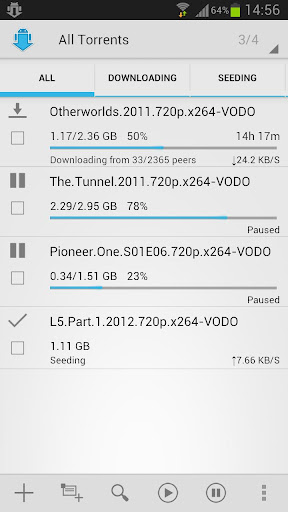
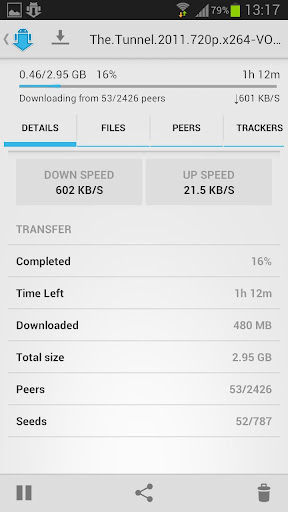
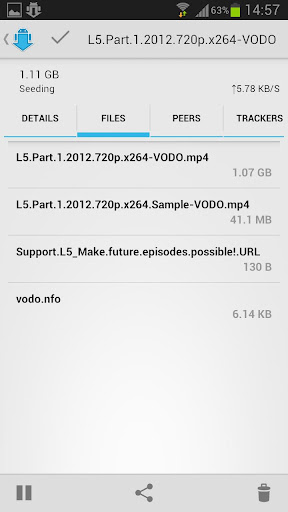
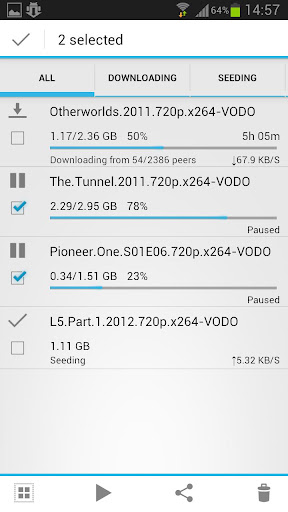
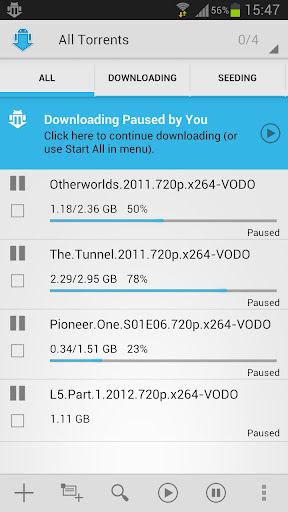
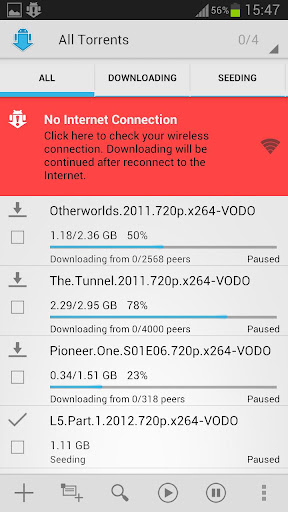
aTorrent PRO - Torrent App v2.0.1.9 APK


aTorrent - Torrent App. Download big files to your phone or tablet!


aTorrent PRO - Torrent App play.google.com.torrent.prof
aTorrent - Bit Torrent Software. Download big files right to your pad or phone!
aTorrent PRO - Native P2P BitTorrent Software for Android devices. Download files with ease right to your phone or tablet!
Professional (Ad-free) version.

Features:
  • Torrent search dialog
  • Open torrents right from browser
  • Magnet links support
  • Add torrent from file
  • Choose download folder
  • Partial download (choose files from torrent)
  • Multiple parallel downloading
  • Option to limit downloads by Wi-Fi
  • Option to pause downloads when external power supply is not connected
  • Supported protocols: BitTorrent P2P, DHT, Advanced DHT Bootstrap, Magnet links, HTTP & UDP Trackers
What's in this version : (Updated : Feb 9, 2013)
  • Bug with uploaded amount fixed
  • Some translations fixed
  • Bug with multiple files selection fixed
Required Android O/S : 2.1+

Screenshots :


Download : 3.1Mb APK
Read more >>

Friday, February 8, 2013

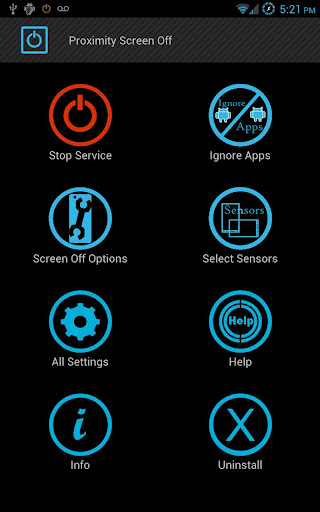
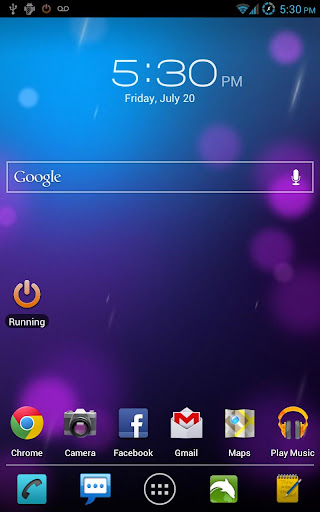
Proximity Screen Off Pro v5.4 APK


Want to feel what gestures can do? Here's an application which will let!


Proximity Screen Off Pro play.google.com.screenoffpro
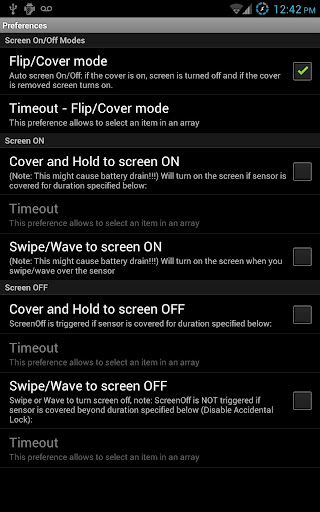
Screen On/Off Using gestures:
☀ Flip cover mode
☀ Swipe Mode
☀ Cover & Hold

Want to feel what gestures can do? Here's an application which will let
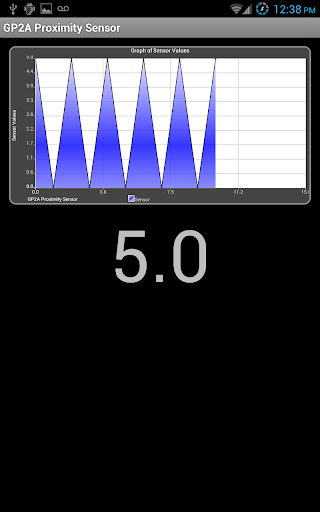
you turn off/on your screen just with a swipe!! Swipe your hand over the proximity sensor (Located near the earpiece on top of the phone).

Features:
  • Pocket/Flip or Smart Cover Mode: Turns screen OFF when sensor covered and ON when uncovered. (Feature requested by Galaxy Note users)
  • Swipe to Screen Off: Turn OFF the screen by sliding your hand 
  • Cover to Screen Off: Turn OFF the screen by Covering the sensor for a duration of time (Cover and Hold)
  • Cover to Screen On: Turn ON the screen by Covering the sensor for a duration of time (Cover and Hold) - Note: This can cause Battery Drain
  • Ignore Apps list: Add the apps/games where you want to disable the service 
  • Widget: to start and stop the service 
  • ScreenOff shortcut: to turn off the screen by launching the app. 
  • Sensor Configuration : Based on your device select the sensor of your choice, or the one that's available and configure their values, as they are different for different devices. 
  • Enable screen on/off during calls only
  • Disable call handling completely
  • De-Activate sensors after timeout
  • Override power button and screen-on by other apps (Phone is in pocket and you get a call or you accidentally press the power button, screen will remain off)
  • Prevent accidental screen on
  • Disable accidental lock - in Swipe to Screen Off mode if the sensor is covered for longer than specified duration screen wont turn off 
  • Vibration on screen On/Off
NOTE:
  • Removing/Uninstalling the app
    • Launch ProximityScreenOff Pro and click Uninstall button 
    • System Settings , "Locations & Security" or just "Security" , Select Device Administrators and disable the ScreenOff App
  • App needs Device Administrator privilege to lock the screen, If you have any questions on permissions used by the app, please send me an email and i will explain you the reason app needs them.
  • To enable lock screen - Use option "Locks phone on screenOn" under "All settings"
Tested On:
Galaxy Note, S2, S3, Tab, Htc OneX, HD2, Desire HD, Google Nexus,
Motorolla Xoom(Light Sensor), DROID Incredible

What's in this version : (Updated : Feb 7, 2013)
  • Fixed the disable lockscreen
  • Added a feature to fix Flip Cover issue (No-Recognize Delay)
  • Auto configure tablets to use Light Sensor (Tested with Nexus 10/Note 10.1)
  • Added option to enable Debugging
Required Android O/S : 2.2+

Screenshots :


Download : 620Kb APK
Read more >>

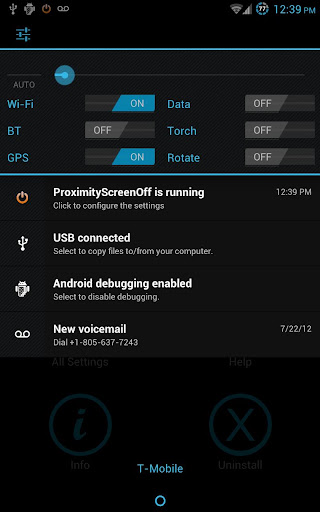
Notification Toggle Premium v2.6.4 APK


Notification Toggle creates notifications in the Android status bar to let you quickly switch!


Notification Toggle play.google.com.notificationToggle
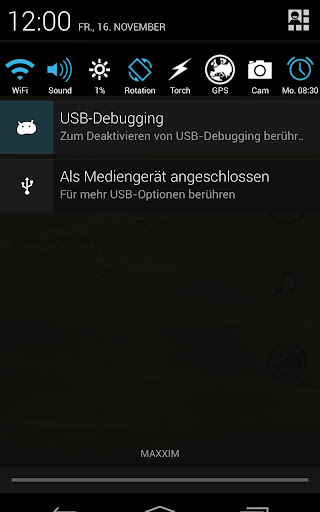
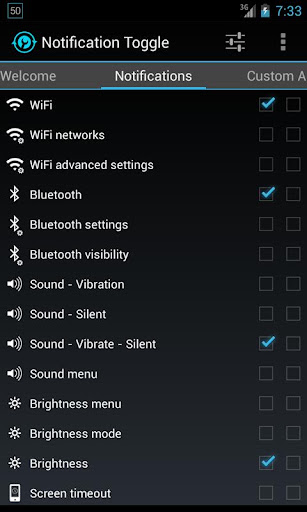
Notification Toggle creates notifications in the Android status bar to let you quickly switch WiFi, Bluetooth, Silent mode, Screen rotation and Flight mode on and off or to adjust the screen brigthness (and many more...)

You can also add shortcut to your own apps into the notification bar!

In the settings, you can choose which notifications should be active. All icons & colors can easily be changed through the app for full customization!
Notes:
  • not every toggle will work on every device
  • some settings aren't changeable by user apps, so it will bring you directly to the android settings
  • exclude from task-killers!
  • if your device is rooted, you can install the app in /system/app for direct GPS toggle even on Android 2.3+ and more
  • on Galaxy Note it seems to work only with the stylus on Android 2.x!
Available toggles & shortcuts:
  • WiFi
  • Bluetooth
  • Sound / Vibration, Sound / Silent, Sound menu
  • Brightness mode / menu / 5 predefined stages
  • Screen timeout dialog
  • Wake lock
  • Rotation
  • Flight mode
  • Mobile data
  • NFC
  • Flashlight (might require TeslaLED)
  • Sync & Sync now
  • WiFi- & USB-Tethering
  • Music: previous / next / pause
  • WiFi settings / advanced settings
  • Bluetooth settings, Bluetooth visbility
  • GPS
  • Mobile data settings
  • Data usage
  • Battery
  • Camera
  • next Wallpaper (requires WallpaperChanger)
  • Lockscreen (requires DelayedLock)
  • Shutdown & Reboot (requires root)
  • own apps & shortcuts
What's in this version : (Updated : Feb 6, 2013)
  • fixed some reported crashes
  • fix: Battery not updating on Android 2.x
  • some icons changed
  • added 2 new permissions for 4G toggle on some devices
Required Android O/S : 2.1+

Screenshots :


Download : 780Kb APK
Read more >>

Thursday, February 7, 2013

Light Flow - LED&Notifications v3.5.1 APK


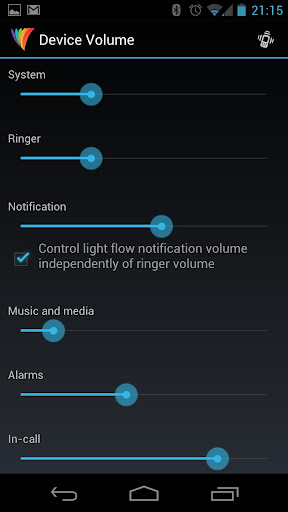
Take control of your notifications. LEDs, vibrations, repeating sounds and more!


Light Flow - LED&Notifications play.google.com.lightflow
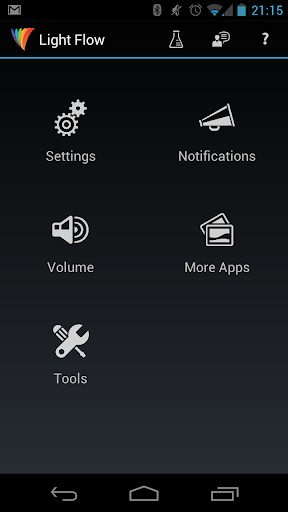
Take control of your notifications. LEDs, vibrations, repeating sounds and more.
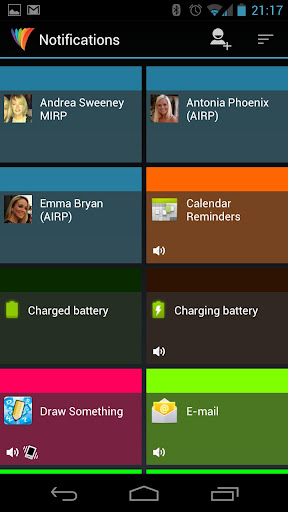
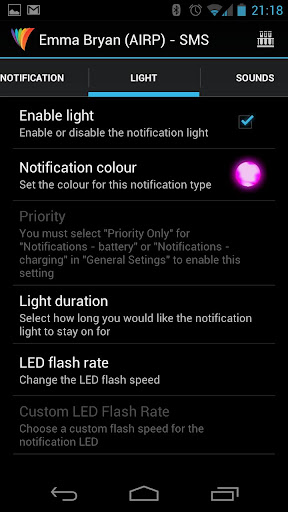
Light Flow allows you to take control of your notification LED colors and makes them successively flash one color after another.

It also allows you to set repeating sounds on vibration patterns for you notifications. You can also set a "sleep" mode or "on charge" where the lights and/or sounds and vibrations will not be heard or seen. If you've come from a Blackberry device and miss the features of BeBuzz / BerryBuzz then give LightFlow a try!

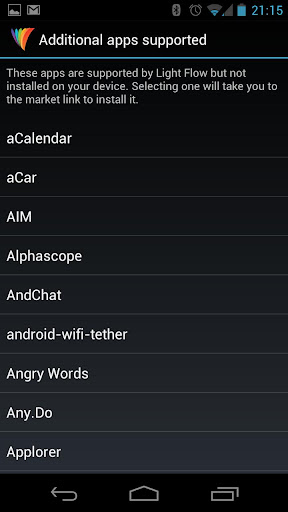
This program will allow you to control the notification color for the over 250 applications and system events such as:
  • Missed calls
  • Voice mail
  • Calendar reminders 
  • gmail
  • email
  • SMS messages
  • MMS messages
  • Low battery
  • No signal
  • Google talk
  • Facebook
  • Twitter
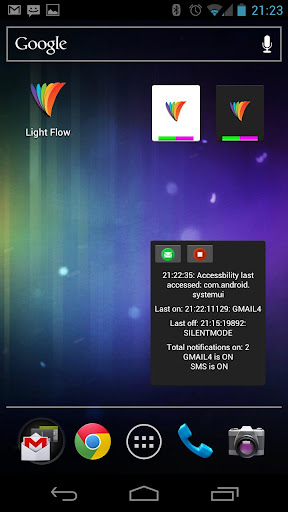
It allows the colors to flash in succession, so if you have a new SMS and a missed call it can alternate between the two colors. You can also set which notification type has the highest priority and let it flash in just that one color.

There's different profiles for when your phone is charging and when it is running on battery. If you find it eats your battery too much for your liking then you can change settings to conserve the battery use.

What's in this version : (Updated : Feb 6, 2013)
  • bugfixes
Required Android O/S : 2.2+

Screenshots :


Download : 2.3Mb APK
Read more >>

Wednesday, February 6, 2013

Deep Sleep Battery Saver Pro v1.71 APK


Deepsleep battery saver - reclaim your battery!


Deep Sleep Battery Saver Proplay.google.com.batrsaverpro
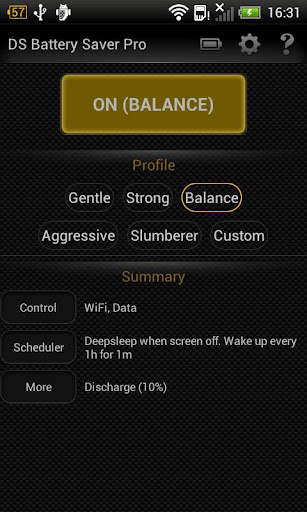
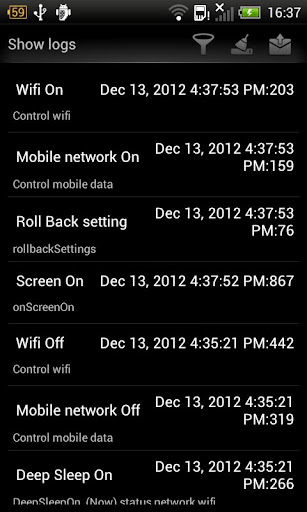
During deepsleep mode, Wifi, 3G are turned off, background apps are stopped. Therefore, most apps are not working, including Facebook, Google Service, etc,. It then constantly wakes up in order to download email, sync Facebook status, etc,. It's defined by deepsleep frequency and woke up duration

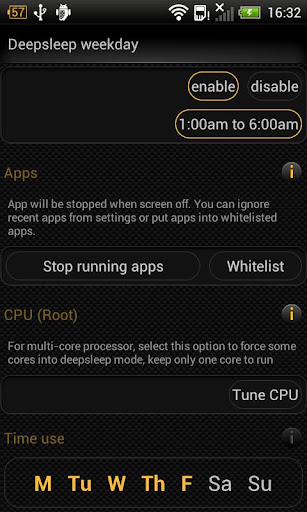
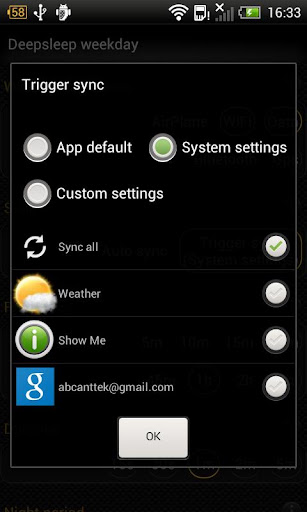
In advanced mode (PRO), you can customize more parameters, including day/night settings, active period, screen timeout, sync strategy, ignored apps, etc,

Features:
  • 5 pre-defined profiles: Gentle, Balance, Strong, Aggressive, Slumberer. They varies on frequency, duration and other settings. The former is less disruptive, but save less battery and vise versa
  • Custom profile (PRO) - for advanced users. If you need more customization, select this profile and modify it
  • Custom profile settings
    • Separate between weekday vs weekend settings
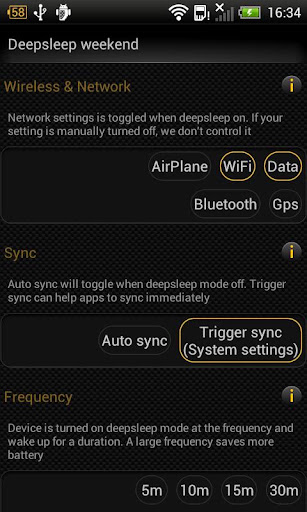
    • Frequency: device is turned on DS mode at a selected frequency
    • Duration: device is woke up after for a selected duration after a each frequency cycle
    • Wileless & network: control radio setting during DS on
    • Sync: Control sync strategy and sync account, auto-sync
    • Apps: Select apps that will be stopped during DS on
    • CPU: Process twist - root only
    •  Night period: During this period, device is always in DS mode
  • General settings
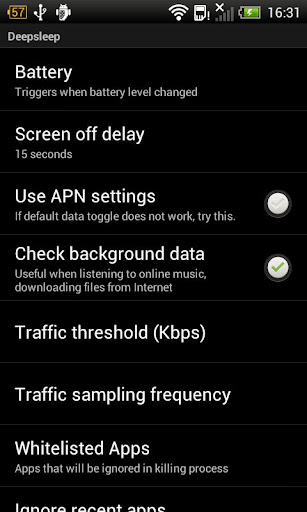
    • Screen off delay: a short delay before DS start. This option is used to avoid quick screen toggles
    • Whitelist: Apps are always ignored when DS on, such as online music player
    • Ingored recent apps: ignore recent apps
    • Use APN settings: twist 3G/4G/mobile data toggler
    • Check background data: If selected, it will ignore DS mode if traffic is above a defined threshold
    • Traffic threshold & traffic sampling frequency
Notice:
  • During deep sleep mode on, this app may disrupt your normal activities, such as your email notification comes with larger delay
  • If your setting (ex. Wifi) is off, DS Battery Saver does not control it during DS mode on
Languages: English, Français, Tiếng Việt

What's in this version: (Updated : Feb 6, 2013)
  • Fixed blank notification item
  • Externalize User Present option (Settings > Deep Sleep > User Present)
Required Android O/S : 2.1+

Screenshots :


Download : 820Kb APK
Read more >>