Showing posts with label Theme. Show all posts

Sunday, February 10, 2013

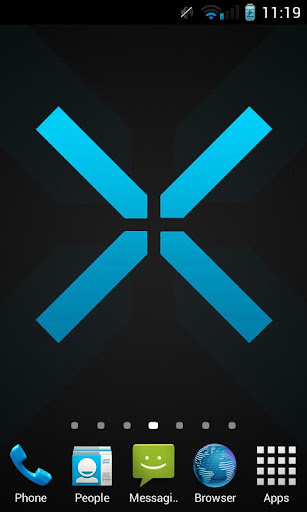
Azure Blue Theme CM10.1/AOKP v1.3.2 APK


Azure, the next level of aesthetic quality is already here without compromise!


Azure Blue Theme CM10.1/AOKPplay.google.com.aventador.azure
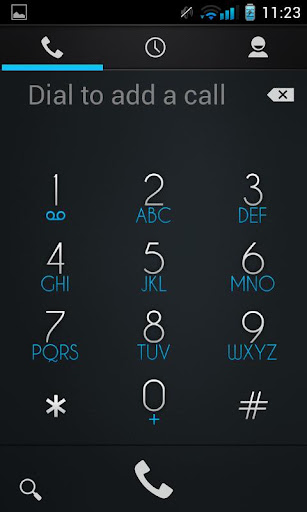
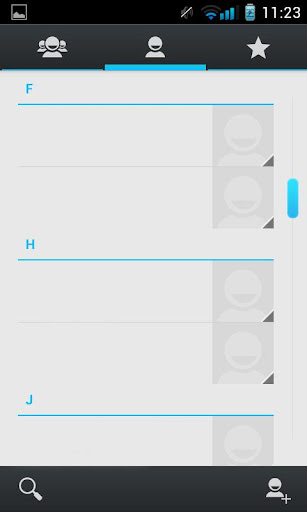
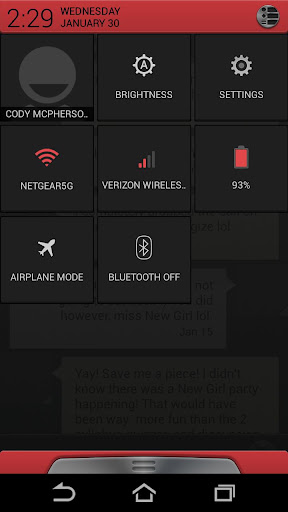
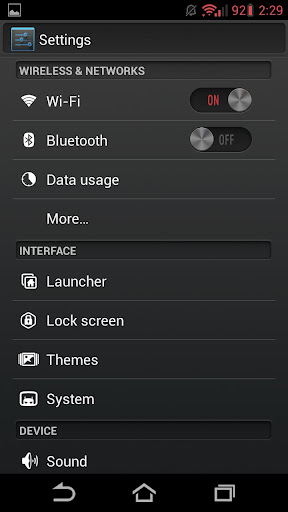
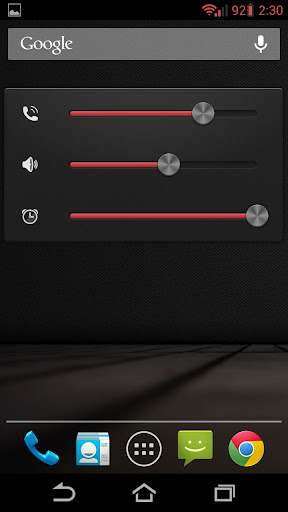
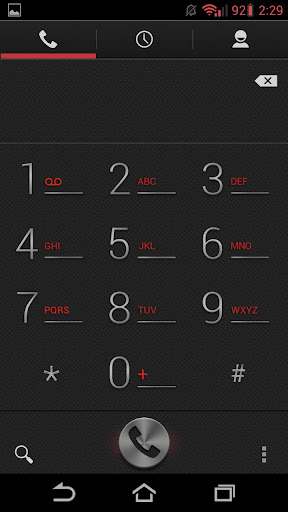
So maybe you don't like the orange tone of the Aventador. Azure is here to fix that! With Azure, the next level of aesthetic quality is already here, with smooth, yet refined gradients, and precision details with individually crafted images.

Azure is a Holo Blue/Cyan color, it's designed to keep the Android style with a more refined touch. At at the same time, makes it more intuitive!

Works on most CM sourced ROMs, including, CM10, CM10.1, AOKP, Paranoid Android, etc..

What's Theme Chooser & how to I apply this theme?:
  • Theme Chooser is theme engine included in popular custom ROMs such as CM10, AOKP, and many more.
  • Download and install this app and then navigate to Settings -> Themes, select this theme and apply it.
What's in this version : (Updated : Feb 10, 2013)
  • Fixed hang up button
  • Lighter MMS
Required Android O/S : 4.0+

Screenshots :


Download : 6.5Mb APK
Read more >>

Friday, February 8, 2013

Alloy Red Theme CM10.1 v1.0 APK


Welcome to AlloyUI Red, a Theme Chooser theme!


Alloy Red Theme CM10.1play.google.com.Alloy.Red
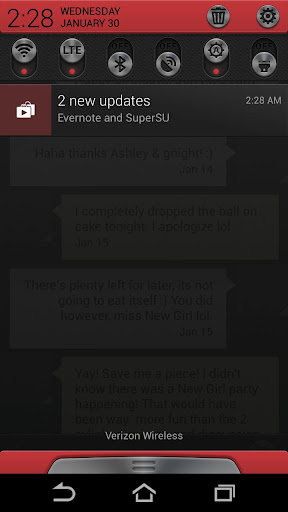
Welcome to AlloyUI Red, a Theme Chooser theme with a dark metallic mix of buttons, sliders, checkboxes and more. Alloy takes Android's "Holo" style user interface and makes it more appealing by using design elements such as 3D style perspectives, new bevels/edges, ambient lighting and gradients.
  • Supported screen DPI: [XHDPI][HDPI][MDPI][LDPI][Tablet/Phablet UI]
  • Works on most CM sourced ROMs, including, CM10, CM10.1, AOKP, Paranoid Android, etc..
What's Theme Chooser & how to I apply this theme?:
  • Theme Chooser is theme engine included in popular custom ROMs such as CM10, AOKP, and many more.
  • Download and install this app and then navigate to Settings -> Themes -> Alloy Theme, and hit the "APPLY" button.
TROUBLESHOOTING:
  • IF you see this error: "THIS THEME WAS IMPROPERLY COMPILED AND CANNOT BE APPLIED...", RE-APPLY the default "System" theme AND either:
  • REBOOT
  • OR, clear cache & data of "ThemesProvider.apk" & "ThemeChooser.apk", then apply the theme.
  • This error: "SORRY, THIS THEME IS MISSING ASSETS FOR YOUR DEVICES SCREEN SIZE," is HARMLESS, just ignore and select "APPLY ANYWAY."
Required Android O/S : 2.3+

Screenshots :


Download : 14Mb APK
Read more >>

Thursday, February 7, 2013

GLASS APEX/NOVA/GO THEME v3.8 APK


Glass Apex - Nova - Go Launcher Theme!


GLASS APEX/NOVA/GO THEME play.google.com.droidglass

Installation Apex Launcher :
  • Install Apex Launcher (Free or Pro)
  • Install theme
  • Open Apex Settings
  • Open Theme Settings
  • Select and Apply Glass Theme
Installation GO Launcher :
  • Please Do Not open directly after it's installed.
  • Back to GO Launcher EX: MENU > theme preferences.
  • Select and Apply Glass Theme
What's in this version : (Updated : Feb 7, 2013)
  • Small update :
    • Added Temple run 2 icon i got many requests for that
    • Fixed some icons was not applying
    • Added Ability to move theme to SD Card for older phones
  • NEXT UPDATE WILL INCLUDE ALOT OF ICONS
  • STAY TUNED ;)
Required Android O/S : 2.0+

Screenshots :


Download : 20Mb APK
Read more >>

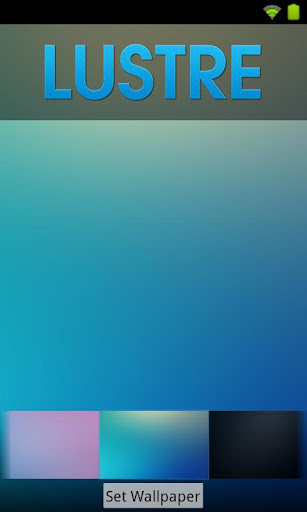
Lustre (adw go apex theme) v1.3.0 APK


Lustre brings vibrant color and crisp imagery to your homescreens. Check it out!


Lustre (adw go apex theme) play.google.com.theme.lustre
This is a launcher theme (for ADWEX, ADW.Launcher, LP, GO & more!) and will not alter the look of your status bar, notifications or anything else. It WILL change the graphics and icons for many popular launcher replacements!

Features:
  • New graphics for dock bar (ADW & Go)!
  • Over 150+ custom icons!
  • Themed search widget!
  • Custom docks!
  • Wallpaper gallery included!
  • ADW Theme support
  • Go Launcher EX theme support
  • Launcher Pro theme support (limited to icons)
  • Support for Desktop Visualizer
  • Support for Folder Organizer
Notes:
  • ADW users need to manually change the app drawer icon on their homescreen. It can not be done automatically. Long-press or double-tap, choose edit. Select the icon and then choose ADWTheme IconPacks. Choose Lustre and then pick the icon of your choosing. We've included a couple!
  • More icons are due to be added over time. Do you see missing icons in your app drawer? Please email us with requests. We want you to be satisfied with your purchase and will work to add new icons for whatever we have missed.
  • Regarding 'MovetoSD' availability: If the app is moved to SD Card, you risk the custom icons not loading properly because of how the system loads the SD card OR the theme not being active after a device restart.
  • Launcher Pro users may need to wipe data if they are having 'Force Close' issues. Phone Settings > Applications > Manage Applications, choose Launcher Pro, select 'Clear Data' and then try to load the icons again.
  • Icons may also work with Apex Launcher, Nova Launcher, mxHome, Launch-X, Crazy Home Lite, dxTop Lite, Open Home paid, Open Home free, VTL Launcher, Circle Launcher Paid and more!
  • If you are having trouble - EMAIL US! Seriously, send us an email and help us to help you. If you want to request icons to be created, send an email for that as well.
★DESIGNED FOR XHDPI. YOUR RESULTS MAY VARY WITH OTHER SCREEN RESOLUTIONS★

What's in this version : (Updated : Feb 7, 2013)
  • Icons are now HD! All icons have been by upgraded by hand to 480dpi. This may have adverse effects on MDPI devices. If the icons no longer look crisp on your device, let us know via email.
  • Feel free to send us icon requests. You'll find the form here: http://bit.ly/kovrequests
  • Do your system apps not auto-theme in the app drawer? Please email us so we can fix it. If a themed market app stops working, let us know about that too!
Required Android O/S : 1.6+

Screenshots :


Download : 6Mb APK
Read more >>

Wednesday, February 6, 2013

Jelly Bean 4.2 HD Apex Theme v1.2 APK


Apex Launcher theme based on the latest Jelly Bean version 4.2 from the Nexus4!


Jelly Bean 4.2 HD Apex Themeplay.google.com.apex.jellybean
Jelly Bean Android 4.2 Nexus4 theme with HD Wallpapers and over 600 HD icons!
You need APEX Launcher EX installed to use this theme. Download it free form Google Play.
THIS THEME REQUIRES NO PERMISSIONS TO RUN. AND NO ADDS.
This Jelly Bean Apex theme is compatible will all phone screen resolutions, and all android versions from 2.0 upwards.

Characteristics of this Jelly Bean Android 4.2 HD Apex Launcher Theme:

HD Graphics!
All the artwork has been done in the highest resolution, with the original Jelly Bean 4.2 icons from the latest Nexus4 smartphone and over 600 common app icons done all in large 128x128 HD resolution from scratch, instead of the normal 72x72 standard icons commonly used in the themes. The wallpapers are also in higher than original HD resolution, etc.
This is specially important in the higher screen resolution phones or tablets. Makes your screen look very sharp and detailed.

Special care has been taken to be the most faithful
reproduction of Android 4.2 Jelly Bean's launcher. From the custom Jelly Bean 4.2 Nexus4 icons and wallpapers to the details like exact matching color codes used, menu icons, the folder interface, the indicators, the appdrawer, etc.

Includes all 14 original Nexus4 Jelly Bean 4.2 wallpapers in HD resolution.

What's in this version: (Updated : Feb 6, 2013)
  • Icon improvements.
Required Android O/S : 4.0+

Screenshots :


Download : 19Mb APK
Read more >>

Tuesday, February 5, 2013

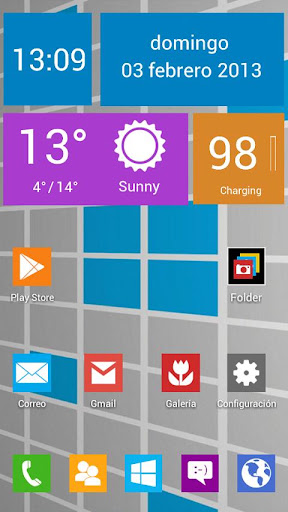
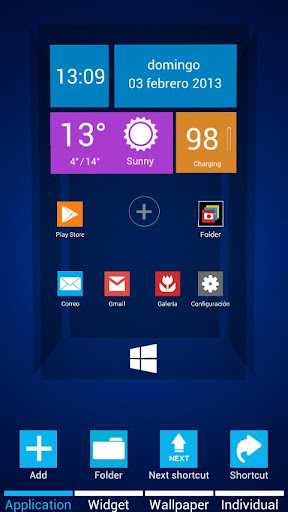
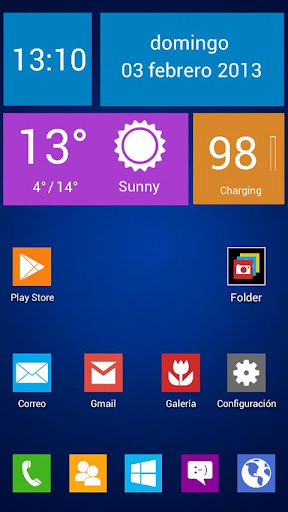
Next Launcher Theme Windows 8 v1.0 APK


Windows 8 Next Launcher 3D Theme!


Next Launcher Theme Windows 8play.google.com.windows8
Designed by Vafne, is available now! Cool and Elegant interface and app drawer. Have a completely new makeover of your smartphone with this theme.
Exclusive HD icons added for comon apps.
5 wallpapers.

More icons will be added with updates.

Widgets: UCCW

Important tips:
  • Make sure the latest version V1.15 of Next Launcher has been installed! (Search “Next Launcher” to download)
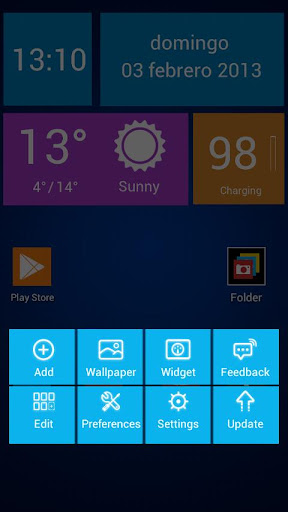
  • Apply the Theme: MENU->Indicidual—>Installed themes->Choose windows8 theme.
  • Apply another wallpaper: "Wallpaper - Next Wallpaper"
Required Android O/S : 1.6+

Screenshots :


Download : 2.4Mb APK
Read more >>